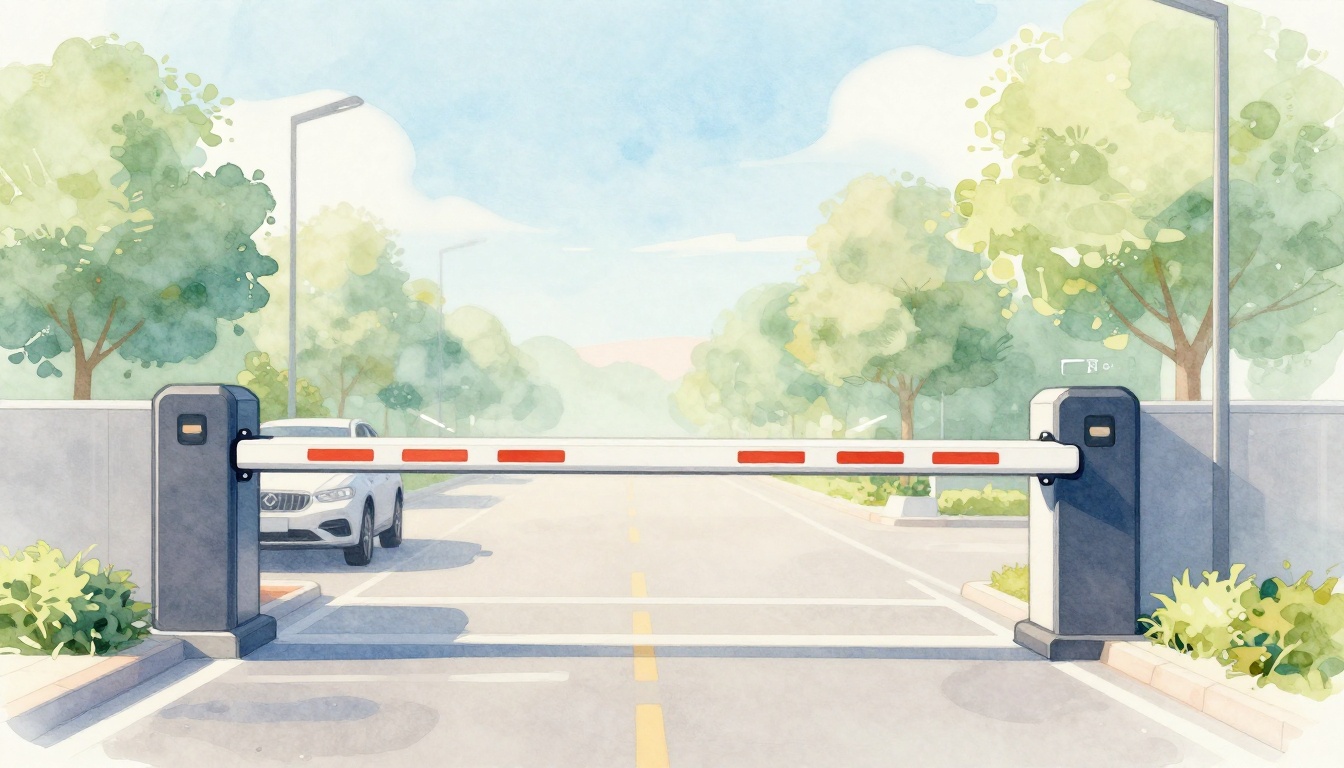
Ever pull into a parking lot, wait for the arm to lift, and wonder what’s happening behind that “one quick motion”? That pause is where the system earns its keep. Parking barriers and entry gates combine detection, access rules, and safety checks to control who enters and when.
If you manage a property, you need smoother traffic and stronger security. If you’re a driver, you want fewer delays. If you run a business, you need predictable access for customers, staff, and deliveries.
This guide explains how these gates work from the ground up. You’ll learn the main types you’ll see in the US, the parts that make them move, and the sensors that help prevent mishaps. Then we’ll walk through the full entry process step by step, including how newer tech is changing operations in 2026.
What Types of Parking Barriers and Entry Gates Are Out There?
Parking access hardware comes in a few common forms, and each one fits a different flow. Some focus on quick entry. Others focus on space limits. Still others handle high-volume paid parking with automation.
For example, barrier arms use a horizontal pole that lifts up and down. You’ll see these at apartment lots, offices, and many toll-like entrances. The pole’s height makes it easy to control road access without building a full gate lane.
Next are swing gates, which work more like a hinged gate. Picture a sturdy gate that swings open and closed across an opening. Home communities and smaller lots often use them when they need control but don’t have room for tracks.
Then you get slide gates, which move side to side on wheels or in a track. They’re popular in tighter driveways. Instead of swinging into the lane, they slide along the side.
Finally, many paid facilities move beyond “one gate at a time” and use PARCS (Parking Access and Revenue Control Systems). PARCS combines entry, payment, and enforcement into one flow. Instead of a guard stamping tickets, the system typically reads access, tracks time, and triggers the gate based on paid status. For a basic look at gate categories and what properties often choose, see 4 types of gates for parking and which to choose.
Here’s the simple takeaway: the “best” gate type depends on your driveway shape, traffic volume, and how much you want to automate. After all, a gate isn’t just a barrier. It’s part of your entry process, your safety plan, and your revenue controls.
Barrier Arms: The Classic Choice for Parking Lots
Barrier arms are the most familiar option. They usually use a boom (often about 8 to 20 feet long) that stays low until the system grants entry. When it’s time to open, the motor rotates the arm upward. When the time window ends, it rotates the arm back down.
These systems fit well where you have a clear lane and you want a clean “open when allowed” experience. They’re common at apartment entrances, office garages, and commercial parking lots because installation is straightforward and the arm height offers strong visual control.
There’s also a practical reason properties stick with them. Barrier arms are easy to size for different driveway widths. Many also support access methods like keypads, RFID, or license plate reading, so you can control who gets through without staff at the gate.
If you’re comparing barrier-arm styles, this guide from Elite Gates breaks down common arm types and how they’re used in real settings: A Quick Guide to Different Types of Barrier Gate Arms.
A quick mental image helps: think of the arm like a see-saw. The motor turns a shaft, and the boom rotates around it. Safety sensors watch for blockages while the arm moves.
Swing and Slide Gates: Perfect for Tight Spaces
Swing gates look like a heavy-duty version of the gates you might see on farms or side entrances. One edge stays near a hinge point, and the gate swings across the driveway when access is granted. Many properties choose swing gates for smaller openings and for areas where the driveway lane can clear the swing arc.
The downside is simple: you need space for the swing. If the driveway is tight, a swing gate can interfere with vehicles trying to line up. It can also create tricky backing situations if drivers approach too fast.
Slide gates reduce that problem. Instead of swinging, the gate panel travels along a side path. It can be a good match for parking areas where vehicles approach straight-on but there’s limited room to the side for a swing motion.
In addition, slide gates can pair well with vehicle loops and cameras. That matters because these gates often serve entrances where drivers expect quick motion and clear rules.
So which one should you picture for your site? If you have room for the swing arc, a swing gate can work well. If your layout needs the gate to move parallel to the lane, a slide gate is often the better fit.
The Core Components Powering These Gate Systems
No matter the style, most parking gates share the same foundation: a moving part, a power source, a control unit, and safety devices. The control system decides whether the gate should move. The motor moves it. Sensors confirm it’s safe to do so.
Start with the arm or gate leaf itself. For barrier arms, this is the boom. For swing or slide gates, it’s the gate panel and its frame. Next comes the motor, which provides force to start motion, stop motion, and handle the load.
Then there’s the control unit, often a power board or PLC. You can think of it as the gate’s brain. It reads signals, checks authorization rules, and controls the motor driver.
Many systems also include limits and timing settings. Limits tell the motor where “fully open” and “fully closed” happen. Timing helps in designs where the gate stays open for a set window.
Here’s an easy analogy: the arm is the arm, the motor is the muscle, and the control unit is the nervous system. The safety sensors act like quick reflexes. If something blocks the way, the gate stops or reverses.
For heavier-duty sites, you’ll often see hydraulics or gear reduction for added force. Hydraulic systems can handle demanding loads and support smooth motion with the right design. In contrast, electric or electro-mechanical motors can be great for many parking environments, especially when properly sized.
Motors and Controls: The Muscle and Brain
Motors come in a few common styles. Electric motors are common because they’re efficient and can be tuned for good speed and stopping behavior. Hydraulic units are also used, especially when a site needs more stopping force or heavy-duty operation.
The control unit connects everything. It takes input from the access method (like RFID or a keypad), then checks whether the entry is allowed. After that, it sends a command to the motor to open.
Next, it listens to sensors again while the gate moves. That’s key. A gate that ignores sensor feedback risks damage or injury.
Controls also manage sequence. For instance, an entry gate may only open when a vehicle is detected in the lane. Otherwise, it could open for no reason. Similarly, many systems won’t let the arm close if a vehicle is still present.
If you’ve ever felt that a gate “waits” before moving, that’s the control unit doing its job. It’s trying to match the gate’s motion to real traffic conditions, not just a fixed schedule.
Sensors and Safety Features That Prevent Mishaps
Safety sensors do more than “detect cars.” They help prevent the gate from closing on a vehicle, stopping partway through motion, or creating dangerous pinch points.
Common sensor types include loop detectors in the ground, photo eyes (infrared beams), ANPR/LPR cameras (license plate recognition), and position feedback sensors that confirm where the gate is.
Loop detectors work when a vehicle drives over a buried loop. The loop detects a change in inductance and acts like a “vehicle present” signal. Photo eyes watch for an object crossing a beam. If something breaks the beam while the gate is moving or closing, the controller stops or reverses.
License plate recognition can add a major layer of safety and control. It can also reduce manual checks. Many sites use LPR mainly for access decisions, but the camera system can support operational tracking too.
For a helpful overview of barrier sensors and why they matter, see Do car park barriers have sensors?.
Here’s a quick look at what different sensors typically do:
| Sensor or system | What it detects | Typical gate response |
|---|---|---|
| Vehicle loop detector | A vehicle passing over the lane | Allows entry logic to run |
| Photo eye beam | A blockage in the beam path | Stops motion or reverses closing |
| LPR/ANPR camera | License plate for identification | Grants or denies access, logs events |
| Position feedback | Actual gate position | Prevents motion beyond limits |
Most important, safety systems should interrupt motion when conditions look unsafe. Real incidents often start the same way: a vehicle creeps closer, a pedestrian walks in, or debris falls into the lane. The right sensors help avoid a chain reaction.
The best gate isn’t the one that opens fastest. It’s the one that opens correctly and stays safe while doing it.
Smart Cameras and Beams Watching Every Move
Modern “smart” gates often combine camera detection with traditional safety beams. LPR cameras can verify a plate for authorization. Photo eyes can protect against an unexpected vehicle or person in the path.
Meanwhile, some systems use additional radar or obstacle detection to handle odd lane shapes. You might not see these devices, but they help the gate react in real time.
In many installations, the flow looks like this: first, the system decides whether access is allowed. Next, it moves the gate while safety checks run continuously. If a beam breaks or an obstacle is detected, the system can stop and retry closure later.
So even if the access decision says “open,” the gate still follows safety rules. That layered approach helps keep cars and people protected.
Access Controls: Ways to Unlock Entry Without a Key
Access control is where the gate meets your rules. Instead of one universal key, most properties use multiple methods. That helps you match your residents, staff, visitors, and customers.
Common access methods include:
- Keypads and PIN codes: The driver enters a code at a station. The controller validates it, then opens the gate for a set time.
- RFID cards or fobs: Drivers tap a card or hold a fob near a reader. The system reads the tag and opens based on the stored profile.
- Phone apps: Many systems use Bluetooth pairing, QR codes, or app invitations. The gate can open for pre-approved users without printing anything.
- Tickets and payments: Paid lots often issue a ticket at entry. After payment, the system triggers exit based on paid status.
If you want a quick look at how RFID supports access control and parking operations, this overview is a solid starting point: How RFID tags for vehicles improve parking.
The biggest benefit is operational. Fewer lost keys means fewer emergencies. In addition, you can revoke access quickly if a card goes missing. For businesses, access methods also reduce the need for a staff person to constantly validate entry.
One more practical point: good access design reduces confusion. If your signage and reader placement are clear, drivers don’t sit at the barrier guessing. That cuts delays for everyone.
Step by Step: How Parking Barriers and Gates Work Together
Picture the gate as a small “traffic control crew” that follows a routine. Each system uses specific equipment, but the flow usually follows the same pattern.
- A driver approaches the entrance.
- A sensor detects the vehicle in the lane (often a loop detector).
- The access control system checks authorization (PIN, RFID, ticket, or LPR).
- The controller confirms it’s safe to move by checking safety inputs.
- The motor activates to open the arm or move the gate.
- Safety checks run during motion (photo eyes and obstacle detection).
- The vehicle passes fully through the entry point.
- A timer or sensor triggers closure after the vehicle clears.
- The system locks in the “closed” state and returns to standby.
The best systems don’t just open and close. They also manage how long the gate stays open. Many designs use a timer plus confirmation sensors, so the gate doesn’t start closing while a car is still in the lane.
Entry vs exit works a bit differently. At entry, the system usually checks whether the driver can enter now. At exit, paid status or authorization rules often matter more. Some paid systems also handle re-entry rules, late fee windows, or employee access.
You can even think of it as two different checklists. Entry asks, “Is this vehicle allowed in?” Exit asks, “Did it pay or qualify to leave?”
From Detection to Departure: A Real-Time Breakdown
In many modern setups, the system does more than “open on yes.” It typically processes the event in near real time.
For example, here’s a common flow for a ticket-based paid exit:
- The driver presents the ticket (or the system reads it).
- The controller sends that info to a backend system (local server or cloud).
- The backend checks payment status and time-based rules.
- The controller receives the authorization result.
- The exit gate opens only when safety sensors show it’s safe.
Meanwhile, many gates include an auto-reverse feature. That means if the system sees a blockage during closing, it reverses briefly or stops, then tries again after the path is clear.
This matters because drivers don’t always pull through perfectly. They might stop, slow down, or creep forward. A sensor-driven design handles those real-world moments better than a simple “timer only” design.
2026 Trends Making Gates Smarter and Faster
In 2026, parking gates are trending toward fewer bottlenecks and more automated decisions. One major direction is ticketless access using license plate recognition. Instead of printing and retrieving tickets, cameras can identify vehicles and match them to pre-approved parking rules or payment records.
Another shift involves cloud-connected control. Managers can often view events, troubleshoot errors, and update settings remotely. That reduces “drive back to the gate” downtime and helps properties respond faster when a sensor or reader acts up.
Phone-based access keeps growing too. Many systems support mobile QR or Bluetooth entry. Drivers scan or connect, then the gate opens after authorization. For staff sites, that can cut the friction of passing around physical credentials.
On the safety side, more systems use better AI camera analysis paired with standard beams. The goal is fewer false holds and smarter obstacle detection. In simple terms, the gate reacts to what matters, not random reflections or harmless shadows.
For an industry snapshot on 2026 trends in smart and automated access control, see Barrier gate industry trends in 2026: smart and automated access control.
Here’s why these changes matter:
- Better fee capture: Fewer loopholes for skipping payment.
- Less fraud and tampering: Camera logs and access records make audits easier.
- Higher throughput: Vehicles spend less time waiting at manual checkpoints.
- Remote visibility: Managers can handle issues faster from the office.
The best “future-proof” move is planning your upgrade path. If you’re replacing equipment now, ask how the system handles growth in vehicles, access rules, and enforcement. You want a gate that can grow with your site, not just operate today.
Conclusion
When you pull up and wait for the arm to lift, the gate is running a full sequence: detect the car, verify access, and check safety before motion. Then it closes at the right time based on sensors, not guesswork.
Barrier arms, swing gates, slide gates, and PARCS systems all solve the same problem in different ways. The parts, from motors to control boards, make the hardware move. Meanwhile, sensors and cameras help keep it safe for cars and people.
If your lot feels slow or hard to manage, it may be time to review your setup and update where it counts. Consider upgrading to newer access and sensor features, or talk with a professional installer to match your layout, traffic, and security goals.
And next time the barrier lifts, you’ll know it’s not just motion. It’s controlled access working the way it should.