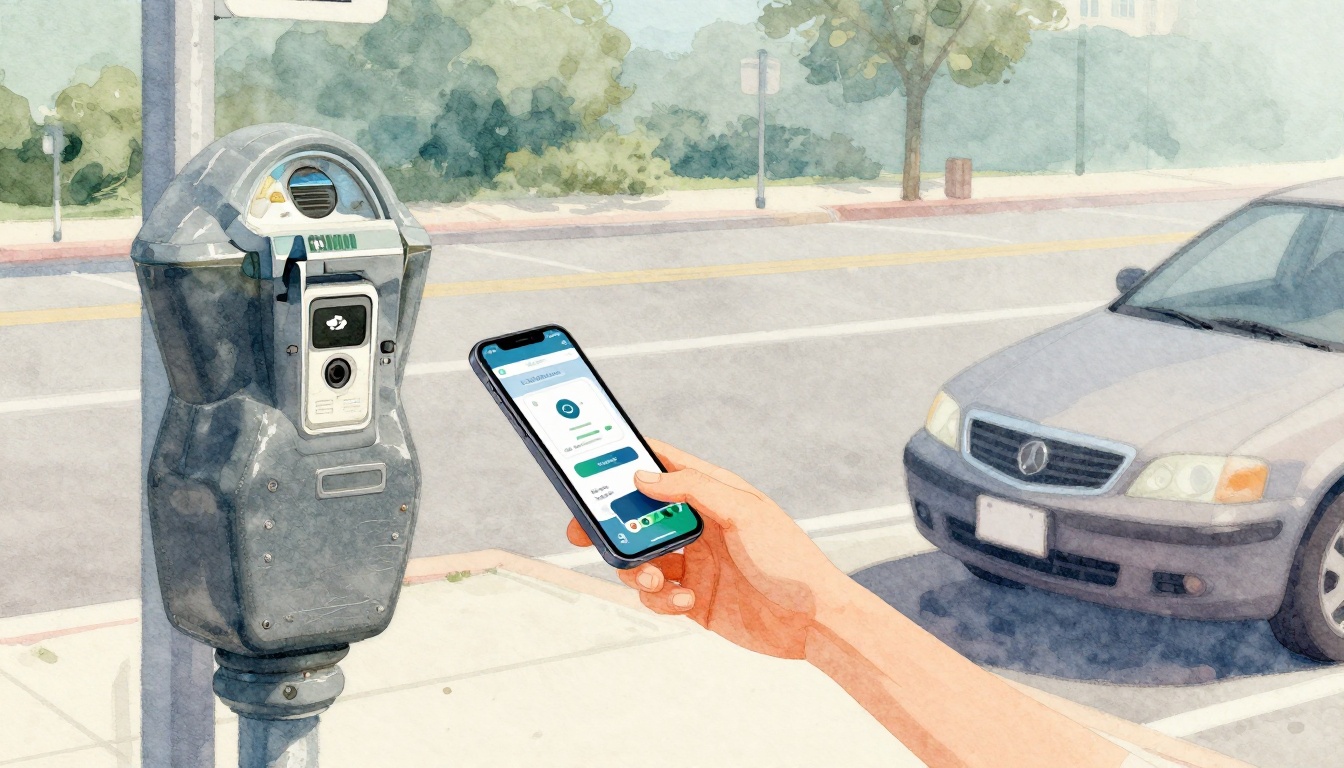
Ever sprint to your car, run to the meter, and realize you have no coins? Then you watch your time run out and feel that sick stomach drop. Parking payment methods have changed a lot since those days, but the basics still matter.
Today, you can pay with coins, cards, mobile apps, and contactless taps. Some places also use license plate payment, so you pay without a ticket at all. In March 2026, cashless options keep growing fast, mainly because apps are quick and cities want fewer no-pay surprises.
If you know your options before you arrive, you avoid the most common hassle: standing there confused, while the clock keeps moving. Next, you’ll see how each method works, plus simple tips for staying safe when rules or pricing change.
Coins and Kiosks: The Simple Cash Way That Still Works
Coins still show up in a lot of neighborhoods. You’ll usually see a street meter that takes quarters and nickels, or a nearby kiosk that also accepts cash. This method still works well when you’re parked for a short time and don’t want to set up anything.
For example, at some airports and city lots, rates can shift, so the exact price matters. In Charlotte, NC, reports covered increased parking rates at Charlotte Douglas (including changes that took effect in early 2026). If you’re paying cash, you need the right amount ready. You can read the coverage here: parking rate changes at Charlotte Douglas.
Here’s the trade-off. Cash is straightforward, but it’s picky. Many machines want exact change, and you can’t “fix it later” from your car.
Cash and kiosk payments usually feel best when:
- You’re okay walking to a machine once
- You have the coins needed
- The sign clearly lists the rate and meter type
Common pros and cons of coins
- Pros: Works without a phone or bank app, easy to understand, good for quick stops
- Cons: Needs exact change, lines can form, no remote top-up, fewer payment options if the machine glitches
In other words, coins are like an old reliable umbrella. It works, but only if you carry it before the rain starts.
How to Use a Parking Kiosk Step by Step
A parking kiosk is basically a payment station that replaces the “feed coins until it clicks” routine. The steps are usually similar across cities, even if the button layout changes.
Follow this simple flow:
- Find the correct kiosk for your area. Look for signs that match your zone or block.
- Enter your spot or zone number. Many kiosks ask for a number tied to the parking space.
- Insert coins (or bills, if the machine allows it).
- Confirm the time you want to purchase.
- Get your receipt or ticket, if the rules require it.
- Place the ticket where it’s visible, if you’re in a “display ticket” setup.
If you want a more visual walkthrough, check: how a parking payment kiosk works. The layout varies, but the logic usually matches.
One quick tip: if you’re unsure, zoom in on the sign. Machine instructions often assume you already know whether it’s “pay for a meter time” or “pay by zone.”
Card Payments at Meters and Stations: No Coins Required
Cards show up in two main ways. First, some street meters accept chip cards or swipe payments. Second, many garages and lots use pay stations where you insert your card, select time (or pay for a session), and then exit.
In many areas, card payments are popular for a simple reason. They remove the “coin hunt” before you even start parking. For families and groups, that matters. You don’t want everyone scrambling for change in a tight curb lane.
Also, card systems often fit longer stays. You’ll commonly see this around beaches, universities, and event parking where rates can be higher and sessions run longer.
Card payment pros and cons
- Pros: Faster than coin counting, works for longer sessions, less hassle for groups
- Cons: Some meters add fees, machines can require the chip (not tap), you still need signal sometimes for certain systems
Costs vary by city. For longer parking, people sometimes end up paying for “time purchased” or a session fee, not just a simple hourly meter. Also, keep an eye on the screen after you pay. Some systems ask you to confirm the time before you finalize the charge.
When Cards Shine Over Cash
Cards shine when you’re tired, in a hurry, or parking with other people. Instead of passing coins around, you can tap or insert your card and be done.
Picture a beach day with four family members. One person grabs the car keys, another carries towels, and nobody wants to be “the coin runner.” In that moment, a card reader feels like a relief.
Cards can also be easier for digital receipts. Some systems send receipts by email or show them on your screen. That can help if you need to track expenses later.
Still, cards aren’t always the full solution. If the meter fails or you’re near a signal dead zone, you may need a backup plan.
Mobile Apps: Pay from Your Phone Without Printing Tickets
Mobile apps have become the most common “set it and forget it” option. Instead of feeding a meter, you enter your license plate and pay in seconds. Then you can watch your time from your phone.
In March 2026, cashless methods keep leading because they reduce friction. You don’t need to return to the meter to add time. Many apps also warn you when your parking session is running out.
Here’s how it usually works:
- You download the app
- You enter your license plate (and sometimes your zone)
- You pick a time or choose “start now”
- You pay inside the app
- The city’s system logs your session
Apps are common at beaches and campuses. They also fit busy downtown areas where meters change fast. In some places, apps even support pay-by-plate confirmations so enforcement works without you displaying a ticket.
If you want a real example of a popular app, see ParkMobile for finding and paying. It’s built for street parking and reservations in many regions.
Mobile apps tend to be best when:
- You might need more time
- You park in unfamiliar areas
- You want quick receipts
The big downside is simple: your phone needs battery (and often data or Wi-Fi). Also, first-time setup can take a minute. If you never used the app in that city before, take 30 seconds to confirm your zone and plate entry.
Top Apps and How They Link to Your License Plate
Most apps use the same enforcement idea. You pay for a license plate session, not for a paper ticket. That helps you avoid printing, losing receipts, or forgetting to place a ticket in the window.
Popular apps vary by city, but the logic stays familiar. You enter:
- Your license plate
- Your payment method
- Your session time
- Your location zone (sometimes)
For instance, Passport Parking is designed around paying and managing sessions in the app. You can see how it works at Passport Parking app for pay on the go.
Meanwhile, PayByPhone is known in many areas for easy registration and session management. Learn more at PayByPhone parking payments.
One gotcha matters a lot: wrong license plate equals wrong payment. Even if you pay successfully, you could still get a ticket if the plate number doesn’t match. That’s why many apps ask you to confirm your plate before you finish.
If you want one mental shortcut, think of it like sending a package. You can’t address it wrong and expect it to arrive. Your plate number is the “address.”
Alerts and Remote Top-Ups That Prevent Tickets
Apps reduce tickets because they help you avoid the most common mistake: paying for time, then forgetting to watch the clock. Many apps send alerts when your session is about to end.
You can also add time from anywhere. That’s the real win for real life. Work meetings run late. Kids ask for snacks. Traffic happens.
A simple example: you park in a residential zone for a quick errand. Then you realize you need another 20 minutes. With an app, you can extend from the sidewalk without rushing back to the curb.
Here’s what to look for in app settings:
- Expiration warnings (text or push alerts)
- One-tap extensions or “add more time”
- Receipts by email for records
- Saved vehicle profiles so you don’t retype your plate
Some cities also support parking “sessions” that start when you arrive. If your app supports that feature, it can reduce human error further.
Even with alerts, still double-check after you pay. Tap confirmations and receipts make it easier to spot mistakes fast.
Contactless Taps and License Plate Pay: The Fastest Modern Choices
Contactless is all about speed. You tap your phone or bank card, then you’re done. You usually pay at a pay station or meter that supports wireless payment.
Then there’s license plate pay. With license plate payment, enforcement links your plate to your paid session using cameras or plate-reading systems. The goal is simple: you don’t need to handle a ticket at all.
This is why contactless and plate pay keep growing in 2026. It’s faster for drivers and easier for operators to track sessions. It also supports the “no paper” rules many cities prefer.
Contactless and plate pay usually feel best when:
- You want a quick transaction in under a minute
- You park in areas with modern pay stations
- You don’t want to print or display receipts
Common pros and cons
- Pros: Quick, often no PIN, lower touch points, fewer ticket steps
- Cons: Not everywhere, sometimes payment limits apply, you still must enter the right plate
If apps feel like a control panel, contactless feels like a quick tap at the grocery checkout. It doesn’t require you to think much, but you still need to make sure you paid the right place.
Apple Pay and Google Pay for Parking Made Easy
Apple Pay and Google Pay help you pay without digging through your wallet. In many locations, you tap your phone at a meter or pay station that supports contactless payment.
To use it:
- Look for the contactless symbol near the card reader.
- Wake your phone and double-check Face ID or your passcode.
- Hold your phone near the reader until the screen confirms payment.
- Follow the meter prompts, if it asks you to pick time or confirm options.
In 2026, you’ll see this more at stations tied to garages, campuses, and higher-traffic areas. Still, not every meter supports Apple Pay or Google Pay. Some machines accept tap only for certain card types or certain banks.
For plate pay setups, you’ll still enter your plate in an app or on a nearby terminal. Once the session is tied to that plate, the system handles the rest.
The main takeaway is simple: contactless removes change and speeds up payment. Just don’t skip the final confirmation screen.
Conclusion: Pick the Method That Matches Your Parking Moment
Parking payment methods boil down to fit and timing. Cash still works when you want something simple and familiar. Cards are reliable when you don’t want to carry coins. Mobile apps are convenient when you might need more time. And contactless plus license plate pay is often the fastest option when machines and rules support it.
Before you park, take a breath and check the signs. Then choose the method that fits your situation, not the one that’s hardest for you. In 2026, cities keep moving toward cashless choices, so knowing your options now saves stress later.
What’s your best parking habit when you’re in a hurry, do you rely on apps, or do you keep a card and coins just in case?