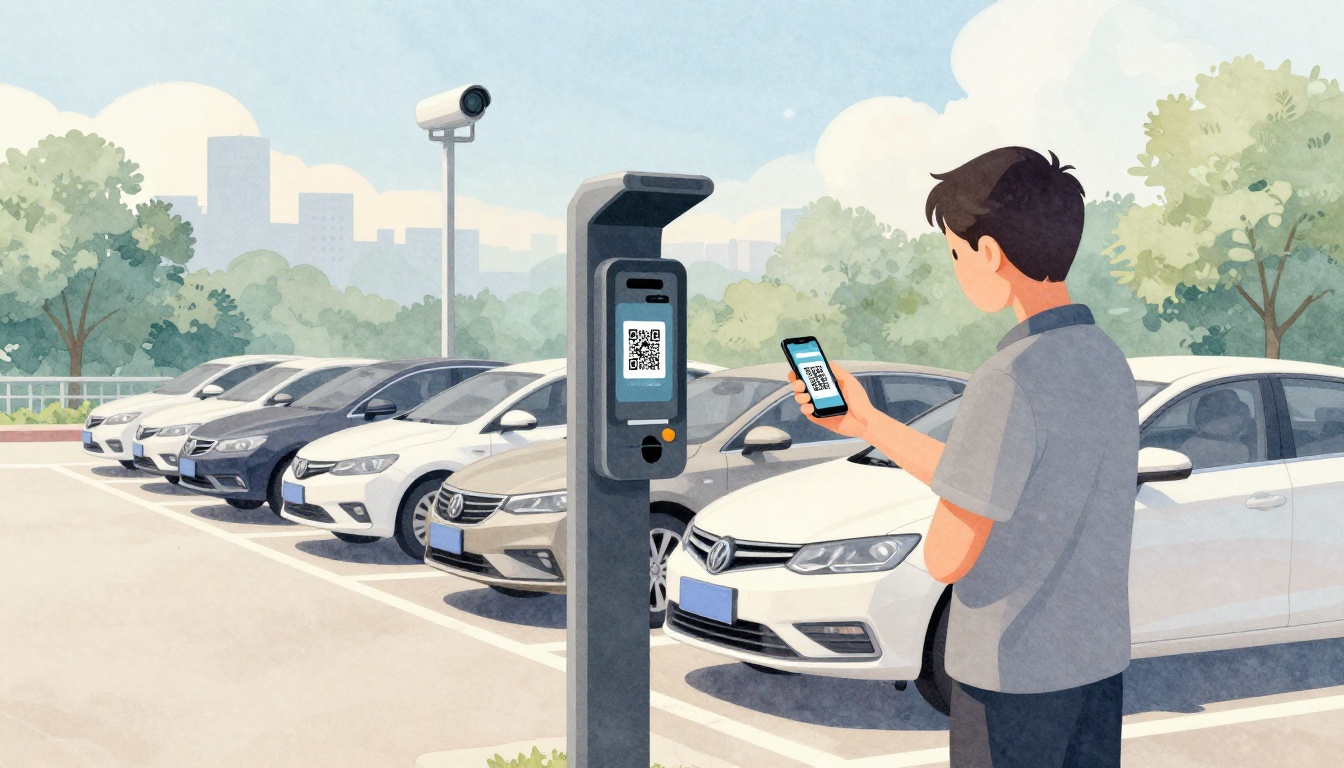
Ever rushed to a parking space, then fumbled for coins while you’re already late? Or maybe you headed back to your car and worried, “Did I actually pay?” Modern parking payment systems work step by step in a way that’s easier to trust. Most systems are built to reduce guesswork, so you can park without paper tickets flying away.
Instead of one old-school method, today’s systems usually mix hardware, mobile payment options, and backend checks. You’ll see common setups like pay-and-display kiosks, pay-by-plate meters, mobile apps with QR codes, and license plate recognition. Behind the scenes, secure payment processing ties everything together, so enforcement staff can verify your session fast.
If you’ve ever watched a ticket slip into the wind, you’re not alone. The good news is that each system has a clear flow, and once you know the pattern, you can handle almost any lot.
In the US, contactless payments keep growing because they’re quick and low-touch. For 2026, recent reporting says 68% of US card transactions are contactless. Also, many pay-by-plate meters support up to 45 parking stalls, so one unit can cover a whole cluster of spaces.
Below, you’ll get a step-by-step breakdown for the main parking payment types you’ll run into. You’ll also learn the small habits that prevent fines, like checking the start and end time.
Pay-and-Display Kiosks: The Classic Walk-Up Machines
Pay-and-display kiosks are the familiar machines in street lots and many garages. They’re simple because they do the same core job every time: you choose a time, you pay, and you get a ticket to display.
If you’ve ever asked, “Wait, where do I put the ticket?” this section is for you. After you pay, enforcement needs clear proof on your dashboard. It’s not about being tricky, it’s about making checks quick.
Here’s what to expect at a typical kiosk, step by step:
- You pick your time on buttons or a touchscreen.
- You pay with coins, cards, or contactless methods like Apple Pay.
- You grab a ticket that shows the parking window and location.
Then you place the ticket where it’s easy to see.
As a reference, this walkthrough from a parking kiosk provider shows the same basic flow: select time, pay, then display the ticket. You can read it here: how a parking payment kiosk works.
One more real-world tip: always check the ticket’s expiration time before you walk away. People often lose a few minutes during payment, then forget that the clock already started when the session began.

Step 1: Choose How Long You Need to Park
First, you decide how long you’ll stay. Many kiosks show time blocks, like 30 minutes, 1 hour, or longer. Some let you choose a specific time using plus and minus buttons.
A typical street stay is often 2 to 4 hours, depending on the area. Still, always pick the time that matches your plan, not your hope.
In practice, the kiosk works like a “timer switch.” You’re telling it when your session starts and ends. If you choose 2 hours but you’re delayed by traffic, you can lose your window fast.
So, think ahead. If you’re meeting a friend and you’re not sure how long it’ll take, consider adding a buffer.
Step 2: Insert Payment and Confirm
Next comes payment. Most kiosks accept multiple options. You might see:
- Coins for cash payers
- Credit or debit cards
- Contactless taps, including Apple Pay or Google Pay
When you tap or insert a card, the terminal sends your payment request through secure systems. The kiosk confirms your transaction before it prints anything.
Many drivers don’t realize one small detail: some kiosks charge a small minimum fee. Others have service fees depending on the payment method. If you’re short, payment may fail, and you’ll waste time.
Once payment goes through, the screen usually confirms the session details. If it doesn’t, still verify the ticket before you leave.
Step 3: Grab Your Ticket and Display It
Finally, you get your ticket. It usually includes:
- The start time
- The end time
- The location or zone
Then you place it on the dashboard so it’s readable from the sidewalk. If it’s tucked too low, in the glove box, or lying under a windshield wiper, enforcement might miss it.
So yes, “ticket visibility” matters. It’s like parking’s version of a house key on the table. It just needs to be where someone can see it quickly.
Pay-by-Plate: Ditch the Ticket with License Plate Entry
Pay-by-plate is what you want when you hate paper tickets. Instead of printing and displaying anything, you enter your license plate number and pay for a session linked to that plate.
Many systems use one pay-by-plate kiosk to cover multiple stalls. Some solutions note support for up to 45 parking stalls per meter unit, which helps when spaces share the same rate.
The step flow looks like this:
- Enter your license plate number.
- Confirm the plate and choose your duration.
- Pay using the machine’s payment options.
- The transaction goes to a server in the background.
- Officers check handheld devices for active sessions.
Because payment ties to the plate, you avoid the “I forgot to display the ticket” problem.
To see how this works in more detail, here’s a helpful explainer from Precise ParkLink: how pay-by-license-plate meters work.
Here’s a quick mental model. Think of the kiosk as a checkout counter, and your plate as the receipt ID. The receipt lives in the system, not in your windshield.
Step 1: Punch in Your License Plate Number
At the kiosk, you’ll use a keypad to enter your plate. Some kiosks include a list of characters or guided prompts.
Slow down for accuracy. One wrong letter can attach your payment to the wrong car, and then you’re the one who has to fix it.
If you’re unsure, double-check the plate on the car. Don’t trust memory.
Step 2: Pick Your Payment and Duration
After the plate is entered, you choose how long to park. Often you’ll get buttons for common durations. Sometimes there’s an option to add time later.
If you’re a regular, you may notice that saved preferences help. Some systems also support repeat payments using stored info, which speeds up future visits.
Still, don’t assume the kiosk picked the right duration. Confirm the time window on the kiosk display before you pay.
Steps 3 and 4: Cloud Sync and Enforcement Check
Once payment completes, the kiosk sends the session to a cloud server. After that, enforcement officers can view active sessions using authorized access.
This is why pay-by-plate systems can be ticketless. Instead of paper, they rely on real-time session data.
If your payment fails, the server won’t store an active session. So if the receipt prints or the screen shows an error, stop. Re-check your input and payment method.
Mobile Apps and QR Codes: Pay Right from Your Phone
Mobile options change the whole vibe. You don’t need to walk to a kiosk at all. You can pay from your phone, then your session links to your plate or spot.
Most places offer one of two paths:
- Scan a QR code
- Use a mobile app tied to that parking zone
Sometimes you can also pay through a short text code or mobile browser page. The goal stays the same, your session gets tied to your car.
A lot of QR signage is designed so you can do it fast. You scan, confirm details, pay, and move on.
For more context on QR-style parking signage and how it’s used, see pay for parking with QR code parking signs.

Finding and Starting with QR Codes or Apps
When you arrive, look for a posted QR code near the parking area. Then:
- Scan it with your camera, or open the app if that’s your route.
- Enter your plate if the system asks.
- Confirm the location details if prompted.
If you choose the app route, you might have saved payment info. That cuts down time, especially if you park often.
Completing Payment Without Hassle
After you pick your duration, pay securely in the app flow. Your session usually starts right away after confirmation.
Then you park like normal. No ticket. No dashboard reminder.
Still, it pays to check one thing: make sure the app shows an active session. If your phone dies, you might not notice right away. A quick confirmation screen can prevent that “did I actually pay?” feeling.
License Plate Recognition: Drive In and Out Seamlessly
License plate recognition (LPR) takes automation further. In many garages and lots, cameras read your plate as you enter. Then they use time calculations to bill your stay.
No ticket printing. No keypad entry. The system handles the match between your car and your payment.
Most LPR setups work like this:
- First-time visit: you sign up or choose a payment option.
- Every return: cameras detect your plate at entry and exit.
- The system bills based on how long you stayed.
- Enforcement checks connect through the system’s data feeds.
This style is common where traffic flow matters, like garages with many daily visitors.
For a vendor perspective on LPR for parking operations, see license plate recognition for parking operations.

First Visit: Quick Account Setup
On your first visit, you usually provide a payment method and link it to your license plate profile.
Then you may use a gate, or the system might allow entry with cameras alone. Either way, the goal is to connect your plate to a billing plan.
If you’re in a hurry, look for signs that tell you how to activate your account. Some locations require pre-registration.
Every Return: Automatic Detection and Billing
After setup, each visit becomes mostly hands-off. Cameras read the plate when you enter and again when you exit.
Then the system calculates dwell time. It bills you based on pricing rules for that lot or garage.
If you’re worried about mistakes, that’s fair. However, most modern LPR systems use checks that reduce misreads. Also, operators can review plate detection logs if a dispute comes up.
The Hidden Tech: Backend Processing and Contactless Magic
Every method above relies on backend processing. That’s the part you never see, but it’s what makes payments match enforcement.
Think of the backend like a secure mailbox system. Your payment request goes in. Your session details get stored. Then authorized checks can confirm your status.
Here’s the typical data flow:
- You pay via kiosk, app, or contactless tap
- The transaction moves through payment processors
- The system validates the charge
- The session gets logged and synced for enforcement checks
Contactless fits right into this flow. NFC taps (or tokenized card payments) reduce friction. You tap, confirm, and move on.
Recent reporting on US contactless parking highlights how common it’s become. It also notes that contactless is faster and easier for drivers compared to cash. Read more here: the rise of contactless parking payments.

Secure Data Flow from Payment to Approval
Security matters because you’re linking a vehicle to money. Most systems use encryption during transmission, then validate the result with payment gateways.
Next, they store session details on secure servers. That storage enables enforcement to verify active sessions without needing to see paper.
Because servers sync in near real time, the “paid but not showing” problem drops when systems are set up correctly.
Why Contactless Wins for Everyone
Contactless payments reduce touch points. In the real world, that matters during busy times and for quick stops.
They also help operators because fewer people get stuck at a reader. The interaction time drops when drivers tap instead of counting cash.
For many drivers, the best part is simple: no fumbling. No coins. No “I swear I had enough.”
In 2026, contactless continues to be a major default option. With 68% of US card transactions contactless, it’s worth expecting tap-to-pay to be standard in many lots and garages.
2026 Innovations: AI, Analytics, and Frictionless Parking
Now let’s look ahead. The 2026 trend isn’t just more tech. It’s less friction for drivers and clearer data for operators.
AI and analytics show up in a few ways:
- Better license plate recognition accuracy
- Smarter pricing based on occupancy patterns
- Integrated enforcement workflows that reduce manual checks
Some operators also focus on multi-payment platforms. That means drivers can use different payment types in the same facility, based on what’s easiest.
There’s also a push toward automation at entry points and more consistent enforcement data. When systems share the same payment logs, it’s easier to verify a session across the property.
If you want a look at broader 2026 industry direction, this report from Pave Mobility is a good starting point: 2026 parking industry trends to watch.
The bigger theme is this: parking systems keep trying to make arrival and checkout feel normal. You pay once, then the system handles the rest.
Conclusion
Next time you park, you can follow the pattern. With pay-and-display, pick your time, pay, and display the ticket. With pay-by-plate, your plate replaces paper proof. With apps and QR codes, your phone starts the session. With LPR, cameras handle detection and billing in the background.
The most important win is confidence. When your session links to your plate and the backend syncs to enforcement, your risk of fines drops.
If you want the fastest path next trip, try using a mobile app or contactless at the kiosk. Then, when you see a new sign, you’ll already know the flow. That’s what parking payment systems step by step really means in daily life.
What type of parking payment do you use most, kiosk, plate entry, or your phone?